

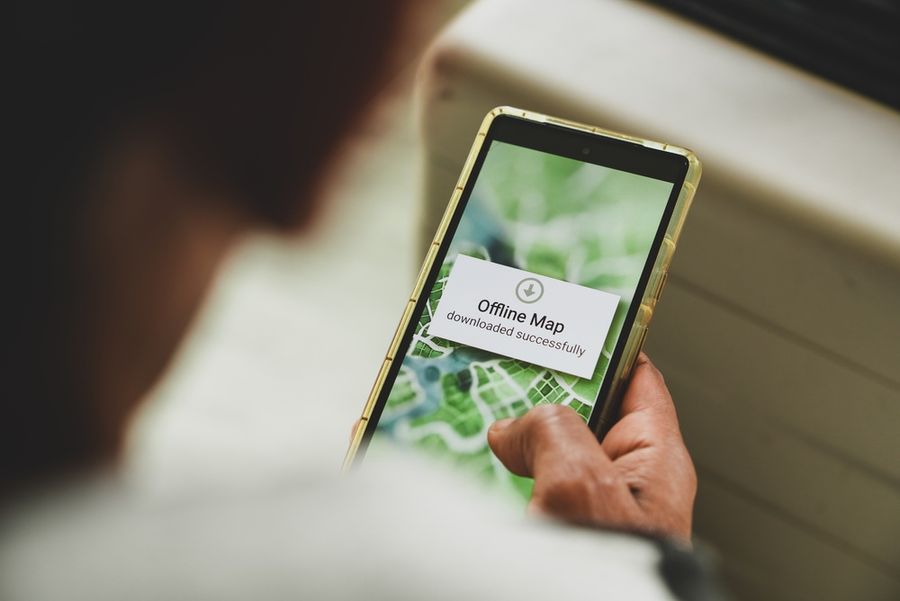
Travel can get stressful when your phone loses service at the wrong time. A saved offline map can help you keep moving through national parks, small towns, mountain roads, airports, and busy cities where the signal is weak. The best offline map app depends on how you travel, what phone you use, and whether you need driving routes, walking directions, saved places, or a simple backup map before a trip begins.
Google Maps For Everyday Road Trips
Google Maps is a strong choice for most U.S. travelers because many people already use it for daily driving. You can download a selected area before leaving home, then use that saved area when service is slow or unavailable. Offline driving guidance works when the full route is inside the downloaded map area.
This makes it useful for road trips, rental cars, and travel days when you want a familiar app. It is also easy to prepare before a flight or long drive. Search for the city or region, download the area, and confirm that it covers your hotel, airport, stops, and route.
What To Know Before Using Google Maps Offline
Google Maps is best as a driving backup, not a full replacement for live service. When offline, it does not provide every feature you may use when connected. Offline driving routes do not include traffic details or alternate routes in the same way a live connection can.
That means you should plan before you lose service. Save your hotel, parking areas, trailheads, gas stops, and meeting points. If you are traveling through remote areas, download a wider area than you think you need. A small map section may not cover a detour.
Apple Maps For iPhone Travelers
Apple Maps is a good option for iPhone users who want offline maps built into their phone’s normal map app. With offline maps, users can view saved areas without Wi-Fi or cell service and can get directions for driving, walking, cycling, or transit where supported.
This is helpful for travelers who do not want to install another app. It also works well if you already use Apple Maps with saved places, contacts, calendar locations, or CarPlay. Before a trip, download the area around your destination and check the map size so your phone has enough storage.
Why Apple Maps Works Well For City Trips
Apple Maps can be especially useful for city travel because saved offline maps can include place details such as hours and ratings. That can help when you are walking around a downtown area, trying to find a restaurant, or moving between a hotel and transit stop.
Still, offline maps should not be treated as perfect. Hours can change, businesses can close, and service may be needed for the newest details. Use offline maps as a stable backup, then refresh your plans when you have a connection again.
MAPS.ME For Offline-First Travel
MAPS.ME is built around offline use, which makes it a good fit for travelers who want a dedicated offline map app. It offers offline maps, search, tourist guides, and navigation for travel use.
This can be useful if you are visiting places where you expect weak service for much of the day. It can also help when you want a separate travel map that is not mixed with your normal commuting habits. Download the needed country, state, or city before leaving strong Wi-Fi.
When A Dedicated Offline App Makes Sense
A dedicated offline app can make sense for international trips, long hikes near towns, rural drives, or backup planning. It may also be useful when you do not want to depend on one map app for everything. Keeping a second offline app gives you another option if your main map is missing an area.
The tradeoff is that you need to manage another app. You should download the maps, check storage, and open the app before you leave. Do not wait until you are already lost or without service. Offline apps work best when they are ready before the trip starts.
How To Prepare Offline Maps Before A Trip
The best offline map setup starts at home. Download maps over Wi-Fi, charge your phone, and open each saved map to make sure it loads. Add saved places for your hotel, airport, rental car office, trailhead, parking lot, and any important stops.
It also helps to save more than one map area. For example, download the city center, the road to the airport, and the region around a day trip. This gives you room for small changes. Travel rarely follows the exact plan, so your map should leave space for surprises.
A Simple Backup For Smoother Travel
Offline map apps cannot fix every travel problem, but they can reduce panic when service drops. Google Maps is a practical choice for familiar driving routes. Apple Maps is a smooth option for iPhone users who want built-in offline directions. MAPS.ME is a strong pick for travelers who want an app designed around offline access.
The best choice is the one you prepare before you need it. Download the right areas, save key places, and test the app while you still have service. A few minutes of setup can make travel feel calmer when your signal disappears.